

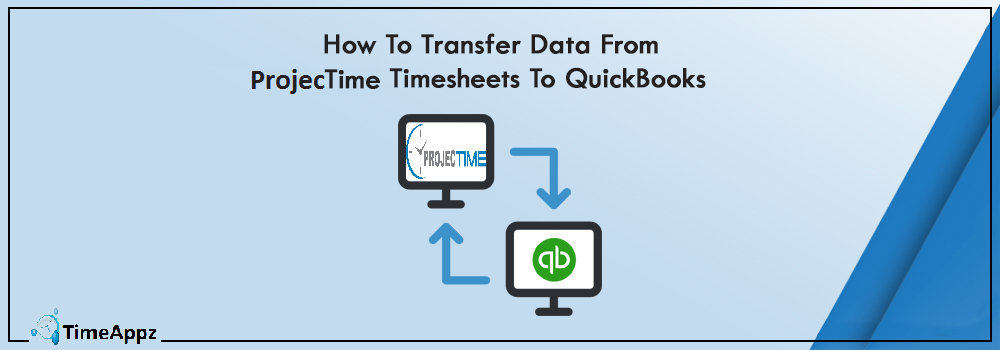
How to Transfer Data from ProjecTime Timesheets to QuickBooks
Automated Project Time Tracking with Integrated QuickBooks Expense & Payroll Management
Managing timesheets and QuickBooks together is an extremely time-consuming process. Accurate data entries for the month can take several weeks and give you almost no gap before the one is due. To save you the hassle and extra work, the ProjecTime QuickBooks Integration Manager is the ideal software.
This software can transfer time and expense tracking data from the ProjecTime timesheets to the QuickBooks timesheet within minutes so you can bill your clients for the projects and tasks done.
To use this feature all you have to do is download the ProjecTime QuickBooks Integration Manager from the Timeappz’s website, setting up the system is extremely easy and then a window asking to choose from the wide range of transfer the manager has to offer.
When installing the module, some steps that need to be taken care of, i.e., your computer meets the integration modules minimum requirement, the system installed on the same PC as the QuickBooks and that your QuickBooks updated to the latest version.
When the above steps are made sure of, just run a quick check if your QuickBooks is properly configured, then simply start to launch the module by clicking on the shortcut that was created and selecting the ProjecTime QuickBooks Integration Manager from your windows manager. Then all you have to do is log in using your ProjecTime username and password!
You can transfer ProjecTime data to QuickBooks be it for customers, employees, clients, or vendors. Vendor bills, Time entries of your employees, Accounts, Job entries you name it, and you have the option to transfer all the data to QuickBooks within minutes. The process is automated.
Any and all information such as the user/employee data, specific client/user information, vendor information, and project and task data can be transferred both ways, i.e., from the ProjecTime Timesheets to the QuickBooks.
You can also use this feature for generating payrolls and billing your clients, you won’t have to make separate bills, and each task will bill according to requirements making a case for your invoices stronger.
Transferring data has never been simpler with ProjecTime and Timeappz. So if you are looking for a software to make the life of your managers, supervisors, employees and the client-vendor life easier all you have to do is sign up for ProjecTime today, and leave the rest of it up to the software.
Lastly, you don’t have to worry about not figuring out how to go around with the transfers as a wizard provides in-depth details on how to go on. Also, the ProjecTime team is always available to answer any and all queries.
📌 Future-Proof Your Financial Workflows
Manual timesheet migration is a bottleneck your growing business cannot afford. By bridging the gap between project tracking and your accounting ledger, ProjecTime by TimeAppz turns hours of stressful monthly data entry into a fast, automated two-minute task. Stop wasting billable hours on administrative overhead.

Related Blogs
 DCAA Timekeeping Requirements: A Practical Guide for Government Contractors
If your organization holds a cost-reimbursable, time-and-materials, or labor-hour government contract
TimeAppz
 Timesheet Reminders: How to Ensure On-Time Submission Every Week
Late timesheet submissions are a management problem before they are an employee
TimeAppz
 Timesheet Approval Process: Best Practices for Teams
A timesheet without an approval is not a reviewed document. It is
TimeAppz