
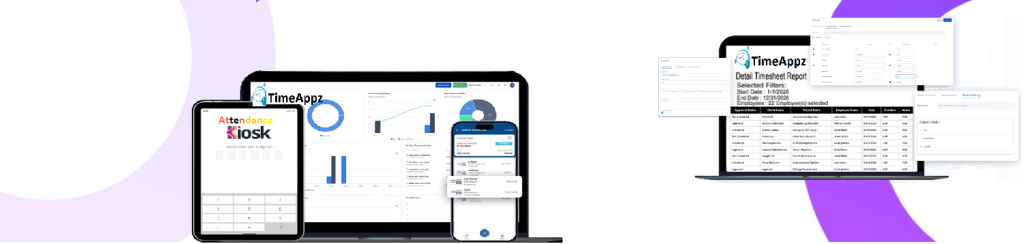
Manage Time-Off Approvals Without Delays
Review, approve, and track employee time-off requests in one workflow that stays aligned with attendance, schedules, and payroll.
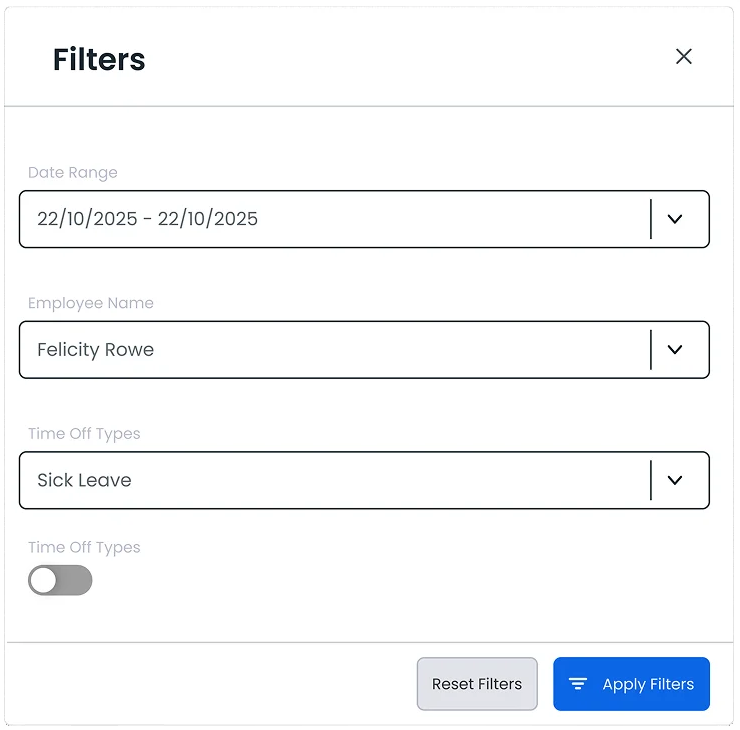
Manage Filter
Select a wide range of filters and pull precise data in a few clicks.
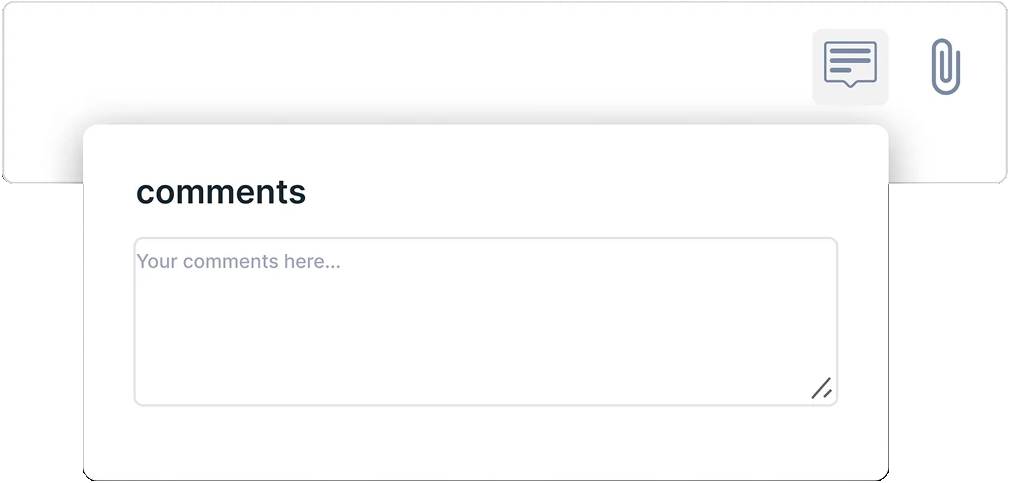
Comment
Add any review or comment while evaluating time off requests.

Action For Approval
Instantly respond to time off requests to keep schedules on track.
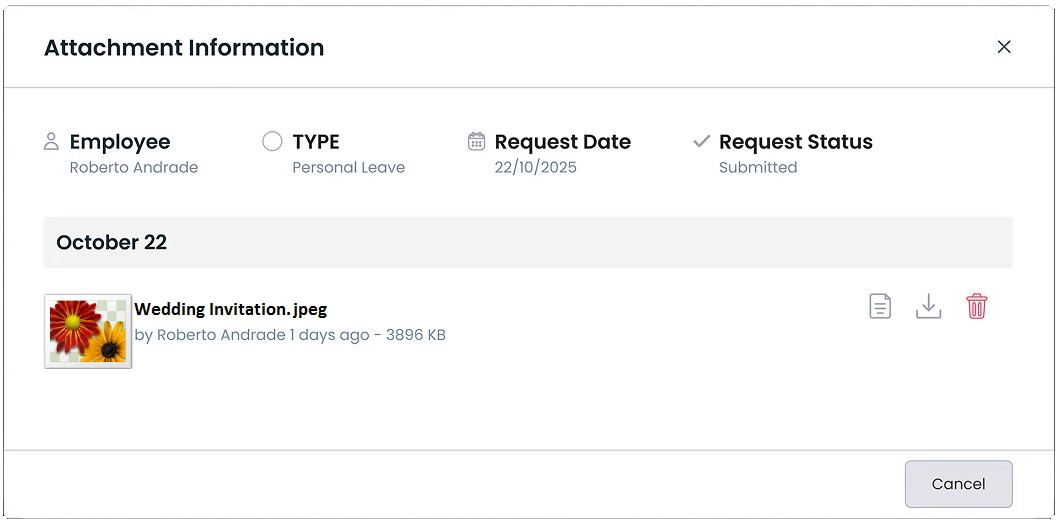
Review Attachments
Quickly preview medical notes, certificates, or supporting files before approval.
FAQ
Frequently Asked Questions
Find your answers to these frequently asked questions
What is the Time-Off Approval feature in ProjecTime?
Time-Off Approval allows managers to review and approve employee leave requests while keeping attendance, schedules, and timesheets aligned.
|
How does time-off approval work?
mployees submit requests, managers review them based on policy and availability, and approved time off is automatically reflected in attendance and reports.
|
Can approval workflows be customized?
Yes. Approval rules can be configured by role, department, or policy to match organizational requirements.
|
Does approved time off update timesheets automatically?
Yes. Once approved, time off is reflected in timesheets and attendance records without manual updates.
|
How does this help workforce planning?
Managers can see approved leave in advance, helping prevent understaffing and scheduling conflicts.
|
Is time-off data visible only to authorized users?
Yes. Role-based access ensures that time-off information is shared only with approved managers and administrators.
|
Does ProjecTime support multiple leave types?
Yes. Remote and hybrid teams can submit and approve requests from anywhere while maintaining centralized visibility.
|