Track Work Hours from Clock In to Clock Out
Record employee start and end times accurately across locations and devices so attendance, timesheets, and payroll stay aligned.
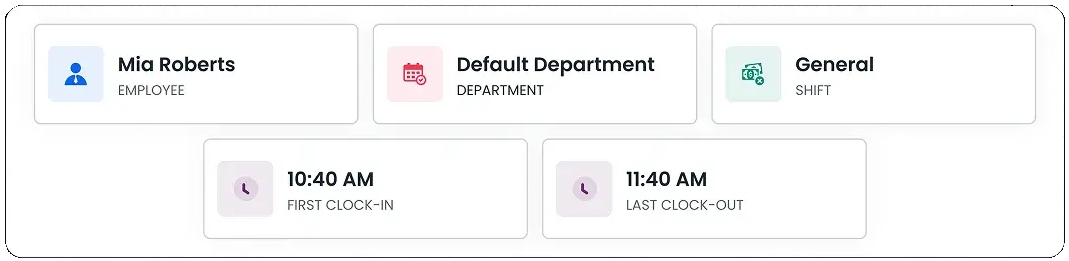
Attendance at a Glance
Instantly view your attendance details including department, and recent clock-in or clock-out times.
Start Your Day
Mark your attendance instantly with a single click using the Clock In button.
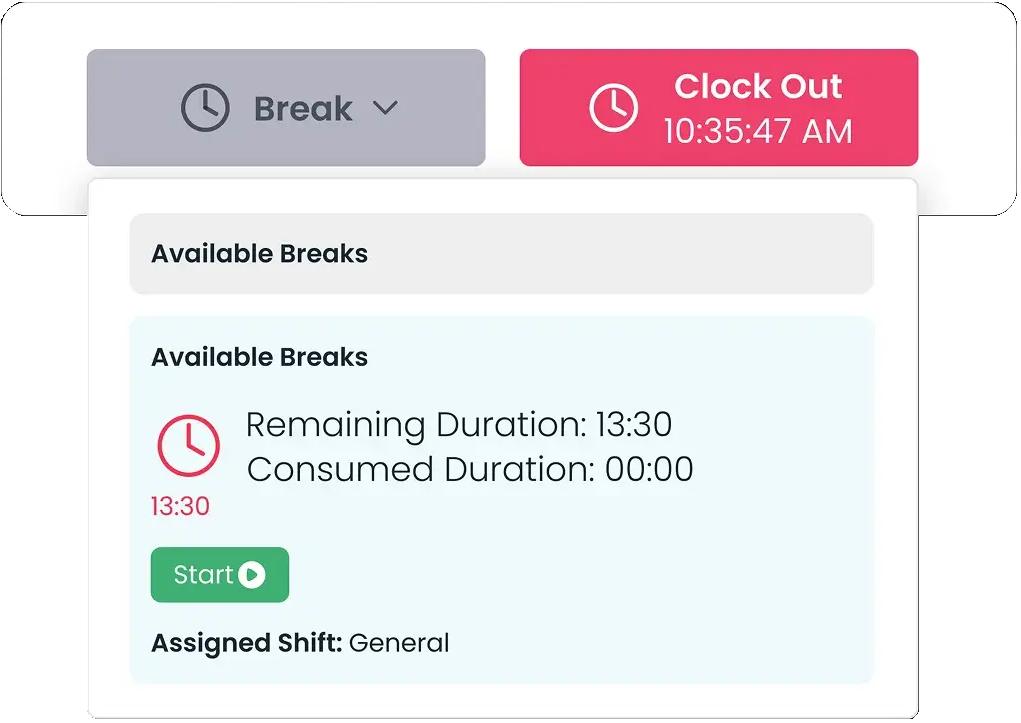
Take a Break
Log your break time effortlessly, clock out for a break and resume your shift with one tap.
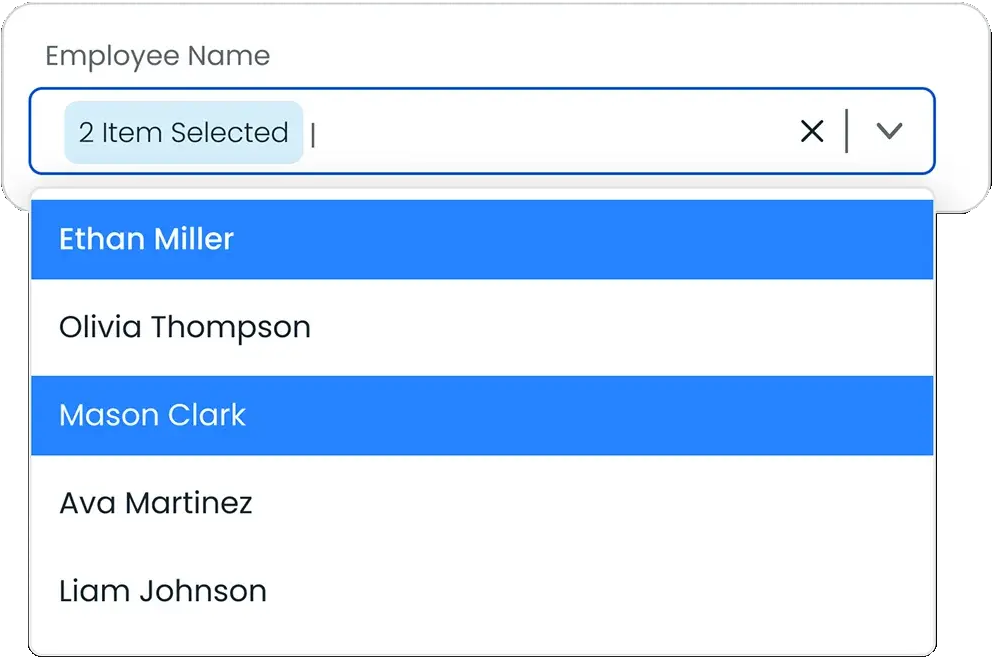
Smart Employee Filter
Quickly filter employees by name, select date range and review precise clock-in and clock-out records.
Frequently Asked Questions
Find your answers to these frequently asked questions
What is the Clock In and Out feature in ProjecTime?
The Clock In and Out feature allows employees to record when they start and finish work, creating accurate attendance records that flow into timesheets and reports.
|
Can employees clock in and out from mobile devices?
Yes. Employees can clock in and out using web or mobile apps, making it suitable for office, remote, and field-based teams.
|
Does clock-in data connect to timesheets?
Yes. Clock-in and clock-out times automatically populate timesheets, reducing manual entries and improving accuracy.
|
Can managers review clock-in and clock-out activity?
Yes. Managers can review clock-in records, spot irregularities, and approve timesheets through centralized dashboards.
|
Does the system support different work schedules?
Yes. Clock-in and out works with defined working shifts, break types, and attendance rules to match your schedules.
|
Are clock-in changes tracked?
Yes. Any edits or adjustments to clock-in or clock-out times are recorded and included in reports for accountability.
|
Is clock-in and out suitable for distributed teams?
Yes. The feature supports teams working across multiple locations, time zones, and job sites.
|
How does clock-in and out support payroll accuracy?
By capturing actual start and end times, payroll calculations are based on verified attendance data, reducing errors.
|