
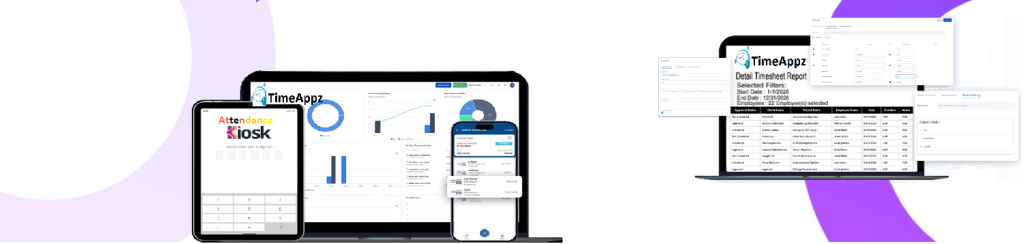
Track Work at the Task Level for Better Project Control
Break projects into tasks, track time accurately, and understand where effort is spent across deliverables and teams.
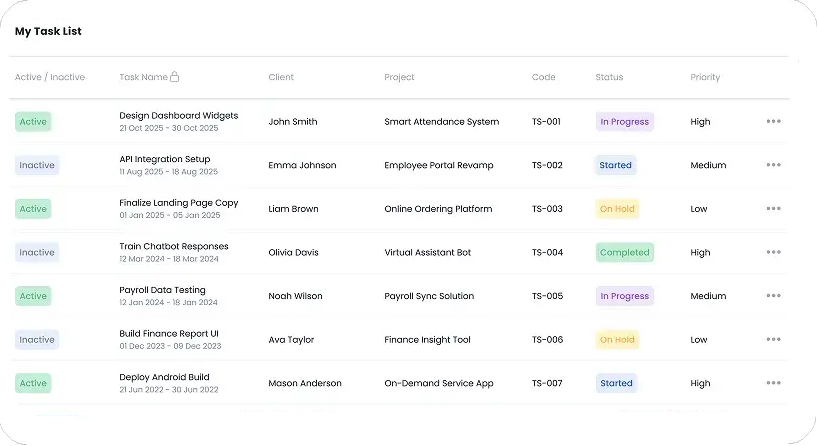
All Tasks In One View
See every task with client names, task codes, and key details for easy tracking.
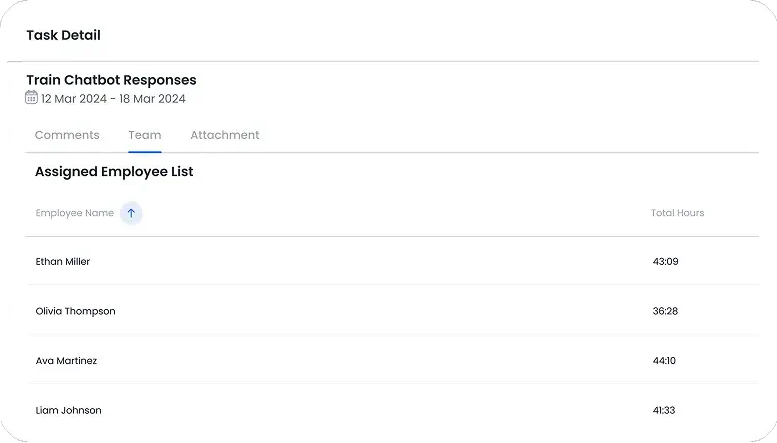
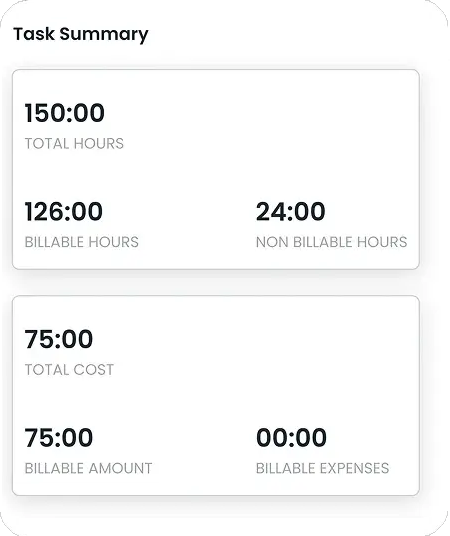
Workload & Hours Snapshot
Get a quick overview of total, billable, and non-billable hours along with task-related costs.
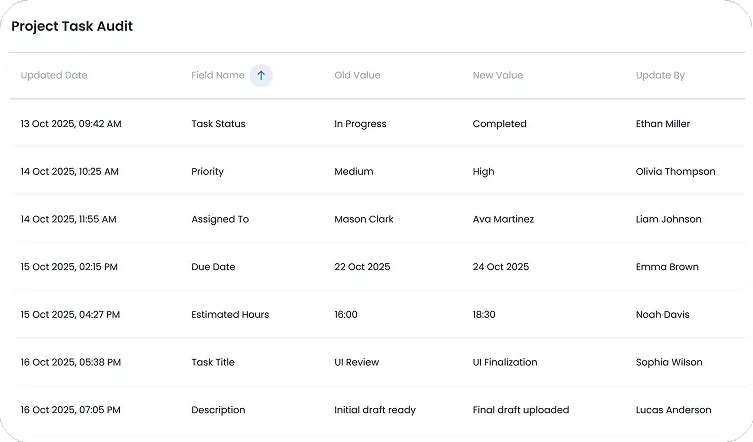
All Projects In One View
Browse every active and archived project with quick insights into teams, clients, and progress.
Create A New Project
Add project details, assign clients, team leads, and managers all in one step.
FAQ
Frequently Asked Questions
Find your answers to these frequently asked questions
What is the task feature in ProjecTime?
The task feature allows teams to divide projects into smaller work units and track time against each task for better visibility and control.
|
How are tasks linked to projects?
Tasks are created within projects, ensuring all recorded time and effort roll up to the correct project and client.
|
Can employees log time directly to tasks?
Yes. Employees can record time against specific tasks, improving accuracy and accountability at the activity level.
|
Does ProjecTime support multiple tasks per project?
Yes. Each project can include multiple tasks, allowing teams to track progress and effort in detail.
|
Can managers track task-level performance?
Yes. Managers can view reports showing time spent, progress, and utilization by task to identify delays or workload imbalances.
|
Are tasks included in project and billing reports?
Yes. Task-level time entries are reflected in project summaries, client billing, and performance reports.
|
Can tasks be reassigned or updated?
Yes. Tasks can be updated, reassigned, or modified as work progresses without losing historical time data.
|
Is task data secure and access-controlled?
Yes. Role-based permissions ensure that only authorized users can create, modify, or view task details.
|