
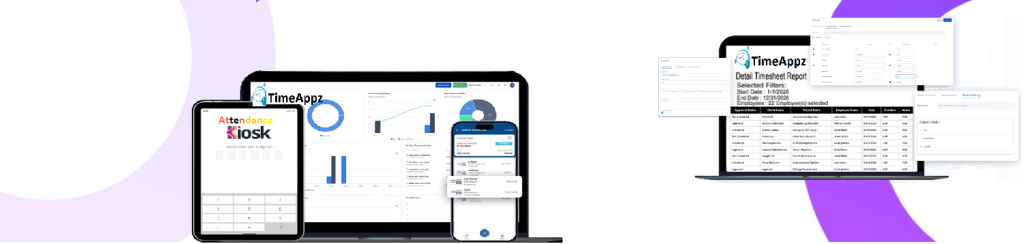
Smarter Shift Planning for Modern Teams
Configure working shifts that align with business hours, team roles, and operational needs.
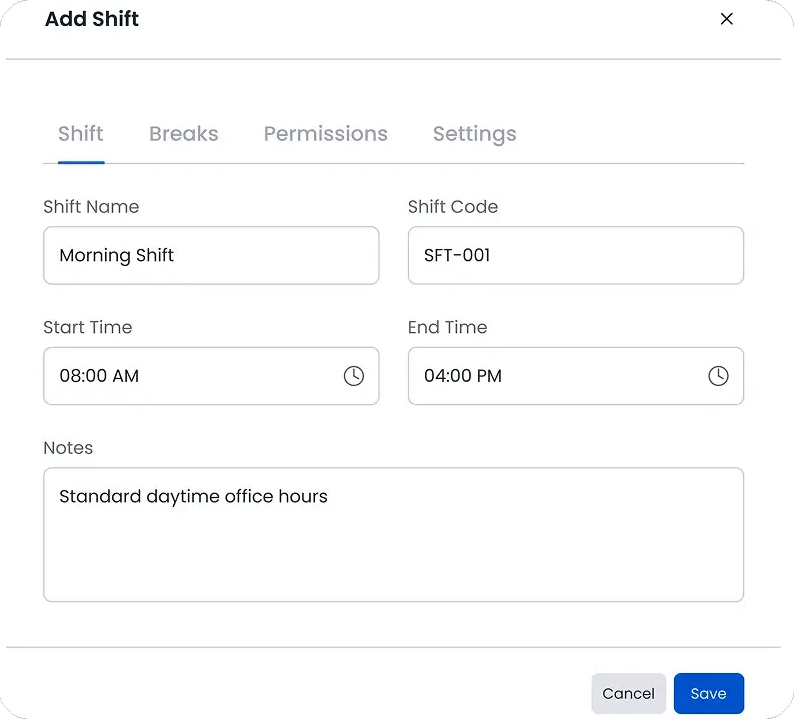
Create New Shift
Build customized shifts based on time zones, locations, and company policies to fit your workforce schedule.
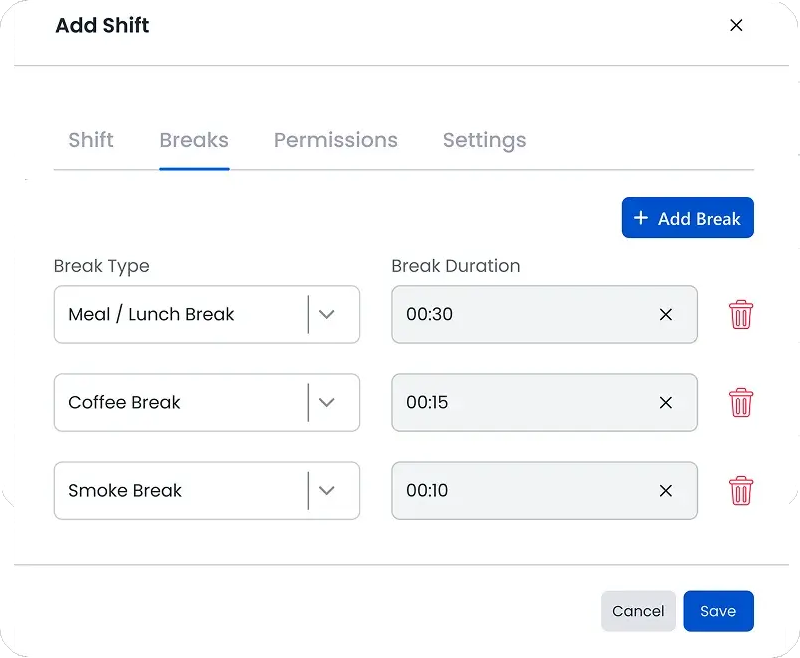
Assign Shift Breaks
Link predefined breaks to each shift so employees follow compliant and consistent break schedules.
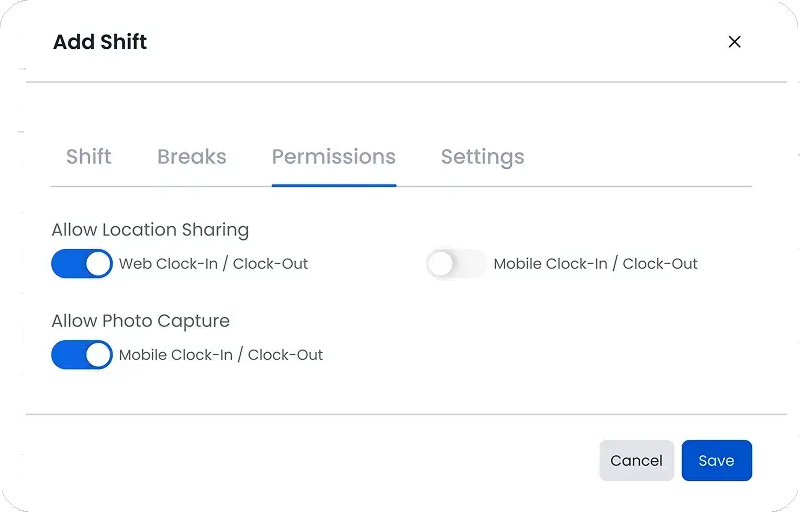
Set Shift Permissions
Control employee access and enable features like face capture or geo verification for secure attendance tracking.
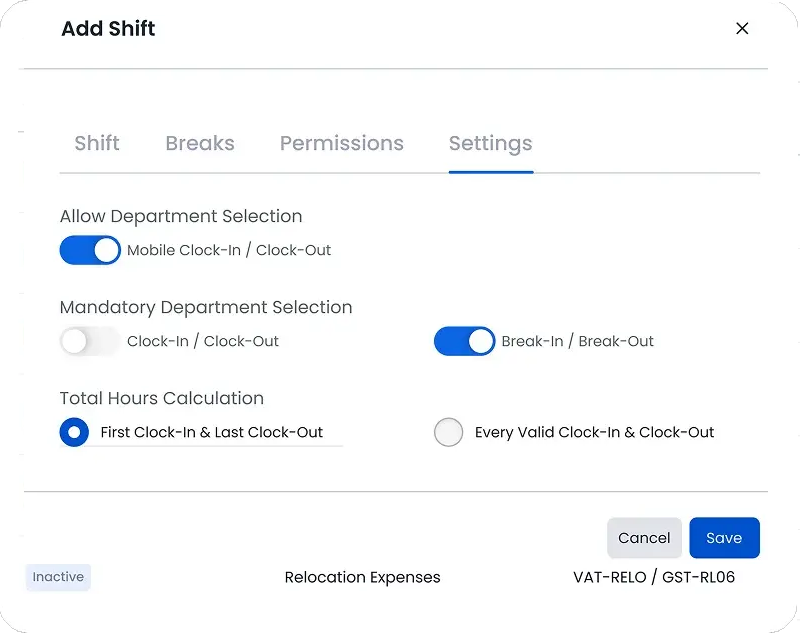
Shift Settings
Configure shift preferences from clock-in rules to calculation methods for accurate attendance management.
FAQ
Frequently Asked Questions
Find your answers to these frequently asked questions
What are working shifts in ProjecTime?
Working shifts define scheduled work hours for employees, including start time, end time, total hours, and applicable rules. They help standardize attendance tracking across teams.
|
Can I create multiple shifts for different teams?
Yes. ProjecTime allows you to configure multiple working shifts based on departments, roles, locations, or job requirements.
|
Do working shifts support flexible schedules?
Yes. Shifts can be set up to support fixed schedules, rotating shifts, or flexible working hours depending on your workforce needs.
|
How do working shifts connect with attendance tracking?
Working shifts are linked directly to attendance records, ensuring clock-in and clock-out times are evaluated against scheduled hours.
|
Are shifts reflected in timesheets and reports?
Yes. Shift data flows into timesheets and reports, helping managers review attendance patterns, overtime, and workforce utilization.
|
Can shifts be updated without affecting historical data?
Yes. Changes to shifts apply going forward, while historical attendance records remain intact for reporting and compliance.
|
Do shifts help with payroll accuracy?
Yes. By aligning attendance with defined shifts, organizations reduce discrepancies in work hours and improve payroll calculations.
|