
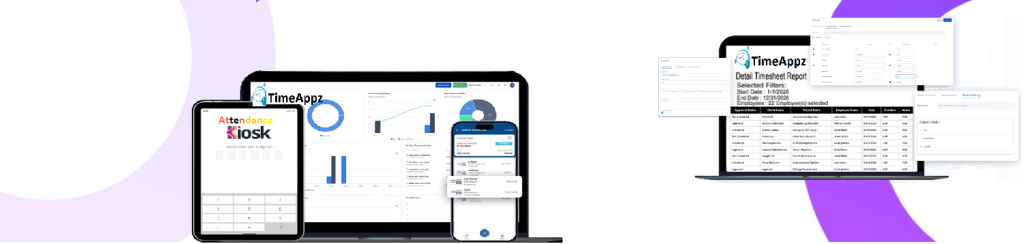
Keep Expense Reporting Consistent and Audit-Ready
Ensure every expense is documented, reviewed, and reported with full visibility for finance and management teams.
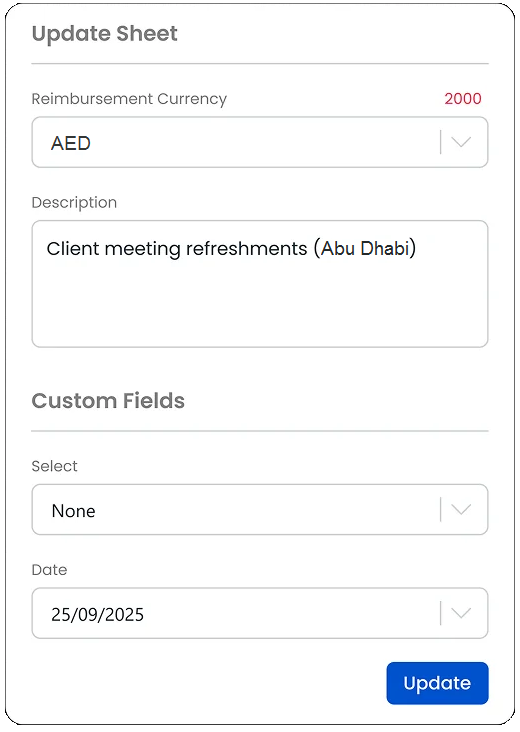
Change Currency
Update the expense sheet to your preferred currency instantly.

Report Expenses
Create a new expense entry for accurate cost tracking.
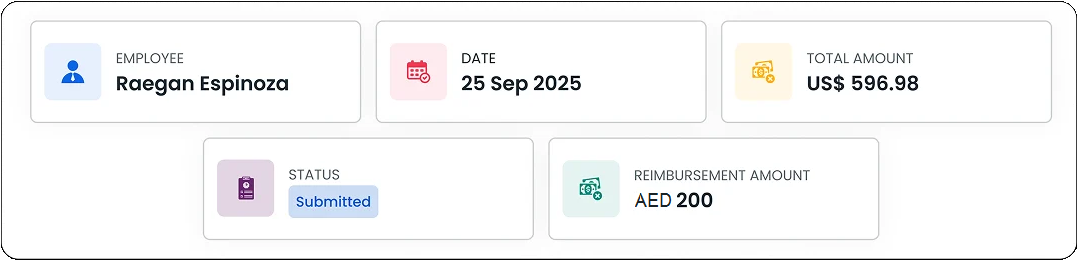
Statuses
Track approved expenses or reimbursements and mark your costs as paid.
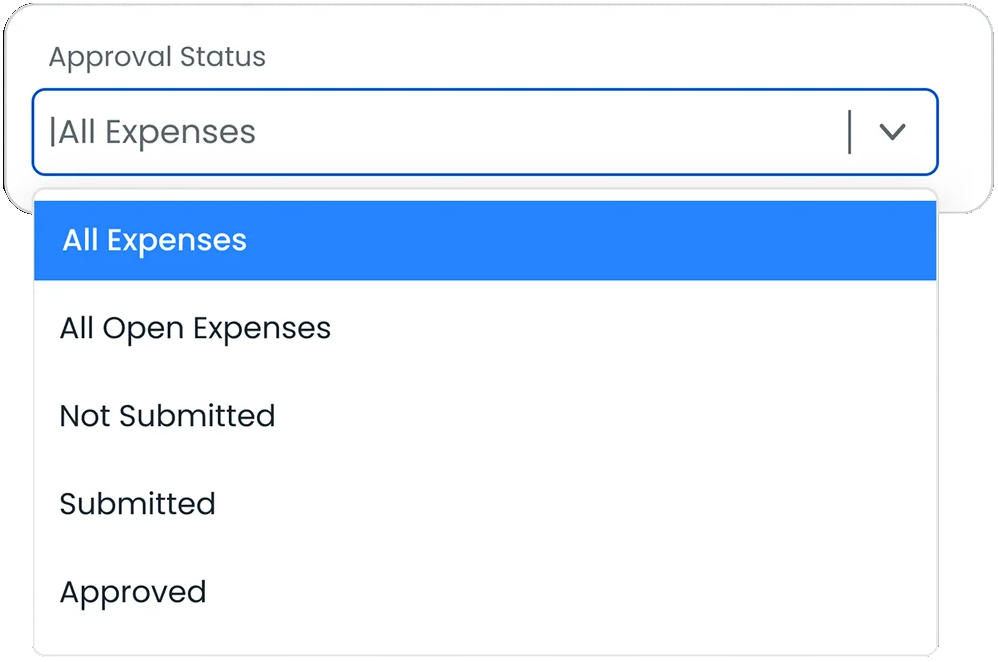
Expense Overview
Track every stage of your expense workflow, from drafts and submissions to approvals all in one place.
Frequently Asked Questions
Find your answers to these frequently asked questions
What is the Expense Sheet feature in ProjecTime?
The Expense Sheet feature allows employees to record business expenses and submit them for review and approval in a structured, centralized system.
|
What types of expenses can be recorded?
Employees can log travel, meals, lodging, mileage, and other business-related expenses based on company-defined expense categories.
|
Can expenses be linked to projects or clients?
Yes. Expenses can be associated with specific projects, clients, or cost centers for accurate tracking and reporting.
|
Does ProjecTime support receipt attachments?
Yes. Employees can attach digital receipts to expense entries to support verification and audit requirements.
|
How do expense approvals work?
YSubmitted expense sheets are routed through configurable approval workflows, ensuring expenses are reviewed before processing or reimbursement.
|
Are approved expenses available for reporting?
Yes. Approved expense data flows into reports, helping finance teams analyze costs by project, department, or employee.
|
Can expense policies be enforced?
Yes. Expense entries follow predefined policies, helping organizations maintain control over spending and reduce exceptions.
|
Is the Expense Sheet feature suitable for mobile teams?
Yes. Employees can submit expenses from anywhere using web or mobile access, ensuring timely and accurate expense reporting.
|