
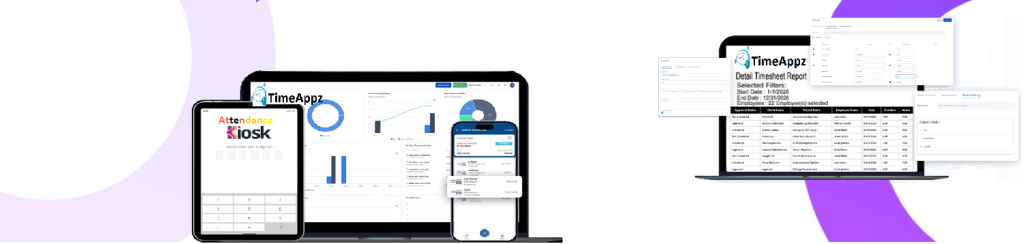
Track Work Time as It Happens
Capture accurate work hours with real-time timers across web and mobile without manual entry or guesswork.
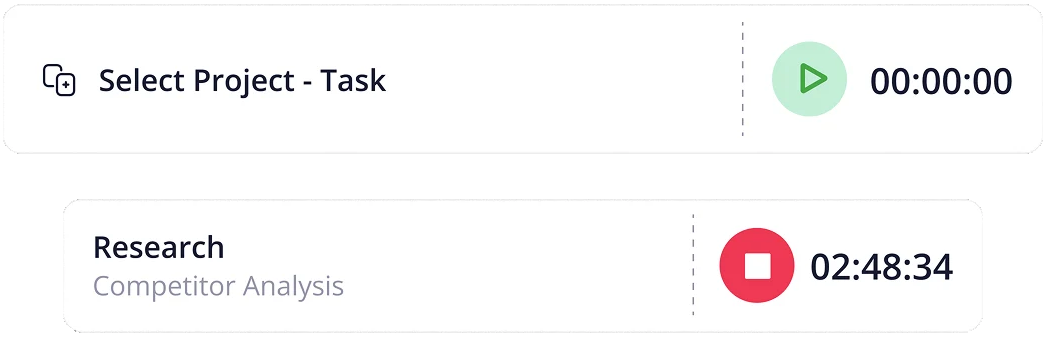
One-click Timer
Enter you project and task. Start tracking with an auto timer .
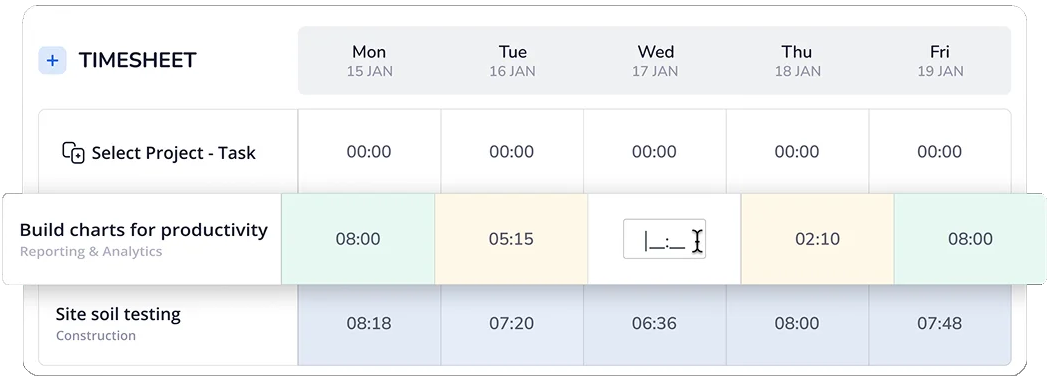
Add Or Edit
Forgot to start the timer? Easily enter and edit your hours later.
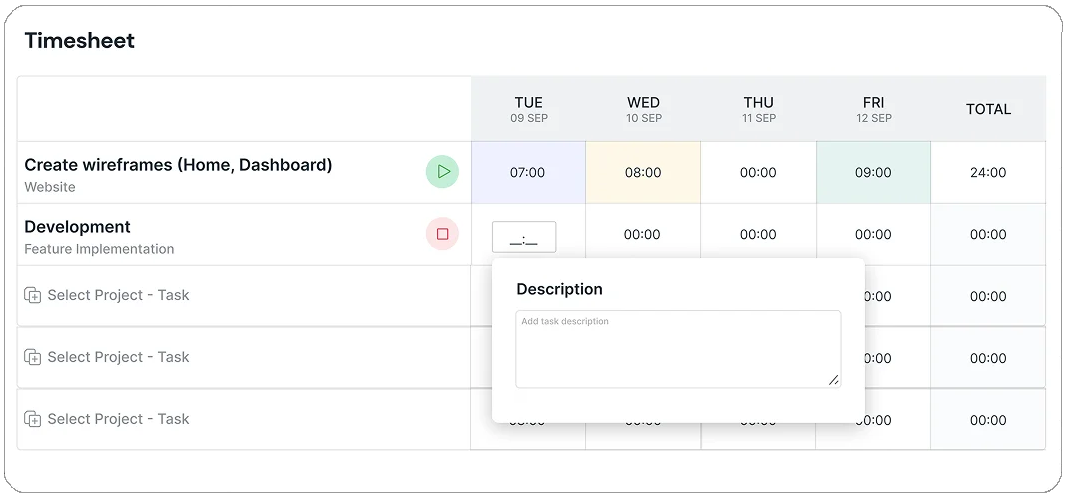
Story Behind Every Hour
Quick notes or comments with your time entries to stay organized and transparent. .
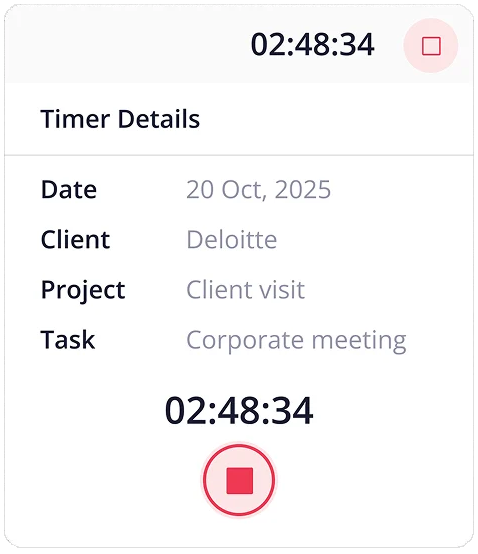
Timer Details
Hover over the timer and gain visibility to every detail of your time entry.
FAQ
Frequently Asked Questions
What is the ProjecTime timer feature?
The ProjecTime timer allows employees to start and stop time tracking in real time while working on tasks, projects, or clients. It ensures accurate capture of work hours without manual entry.
|
Can employees track time using the timer on mobile devices?
Yes, ProjecTime timer works across web, desktop, and mobile apps, enabling employees to track time from anywhere, including remote and field locations.
|
Does the timer support project and task-based tracking?
Yes. Time tracked with the timer can be assigned to specific projects, tasks, clients, or cost centers, providing full context for reporting, billing, and payroll.
|
What happens if an employee forgets to start or stop the timer?
ProjecTime allows manual time adjustments with approval workflows, ensuring accuracy while maintaining accountability and audit trails.
|
Is timer-based tracking better than manual timesheets?
Yes. Timer-based tracking reduces missed hours, improves accuracy, and eliminates guesswork, making it more reliable than manual or memory-based time entry.
|
Can managers review and approve timer entries?
Yees. All timer-based entries flow into timesheets that managers can review and approve, ensuring verified and payroll-ready time data.
|