
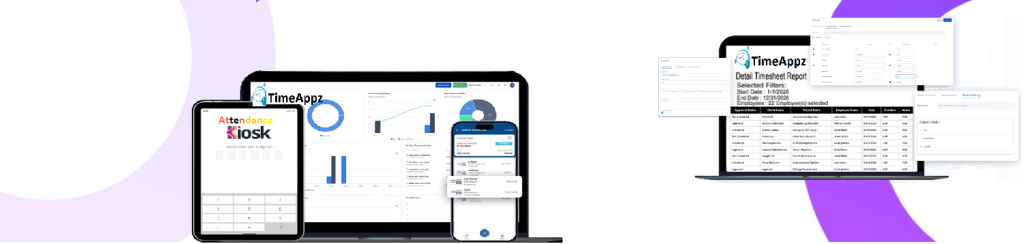
Manage Users, Roles, and Access with Control
Create and manage users across teams, assign roles, and control access—so everyone sees and works with the right data.

Generate Reports
Create your preferred reports just with a click of a button.
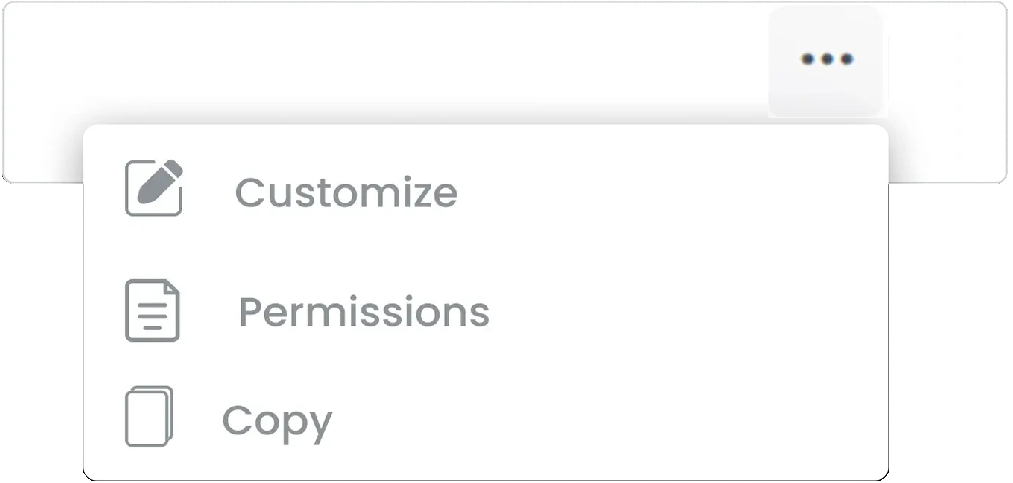
Change or Restrict Access
Customize any pre-defined report in the system or set your desired permission for report access staying compliant as per needs.
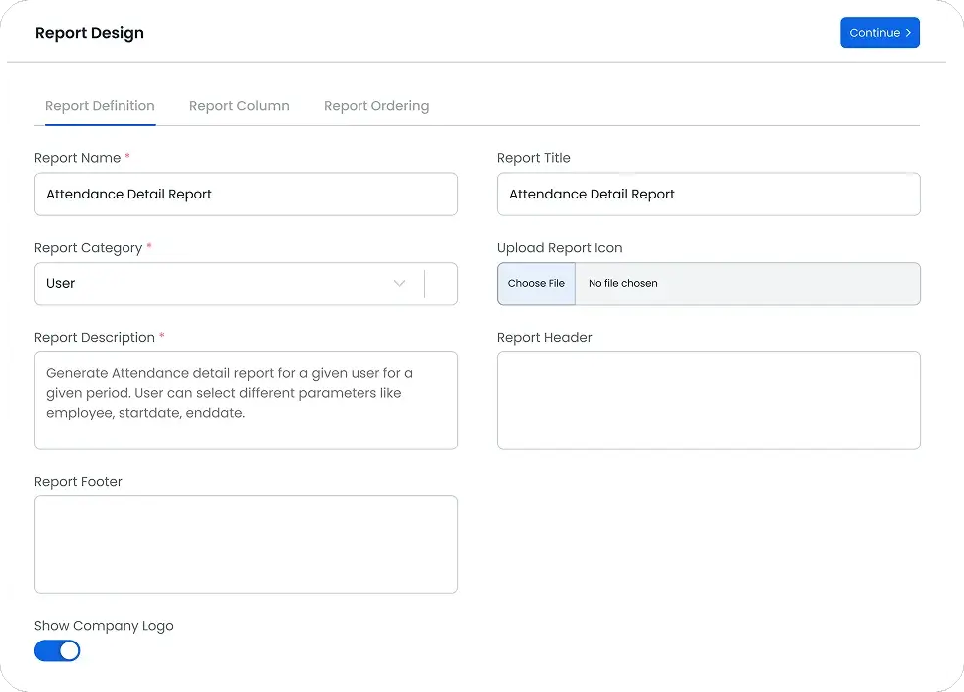
Define It Your Way
Choose any name, give any description and choose a category you like.
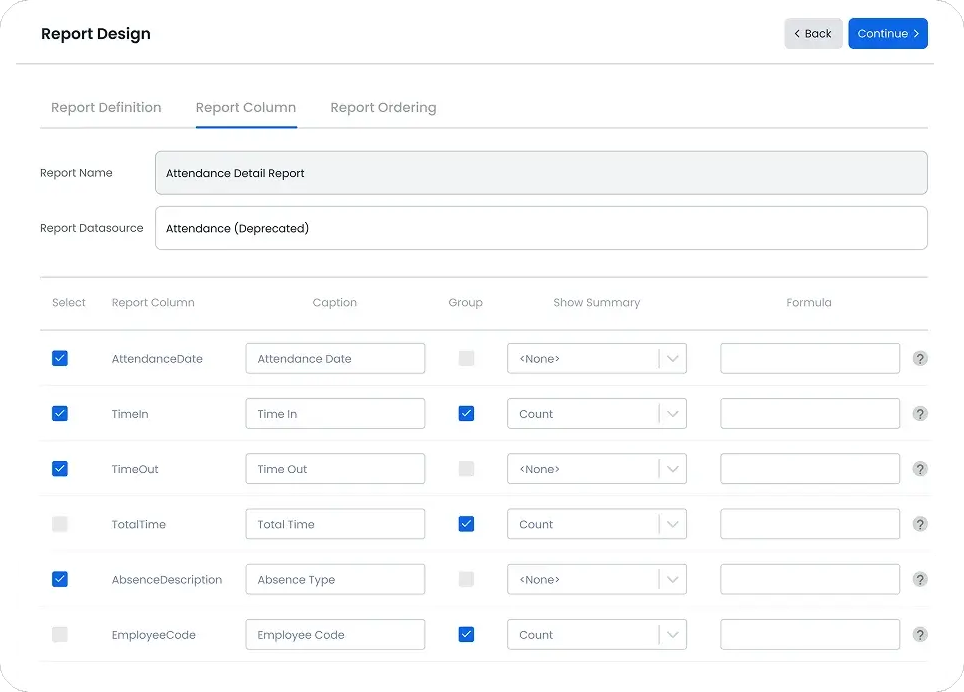
Group
Set and group datasets according to your organizational needs.
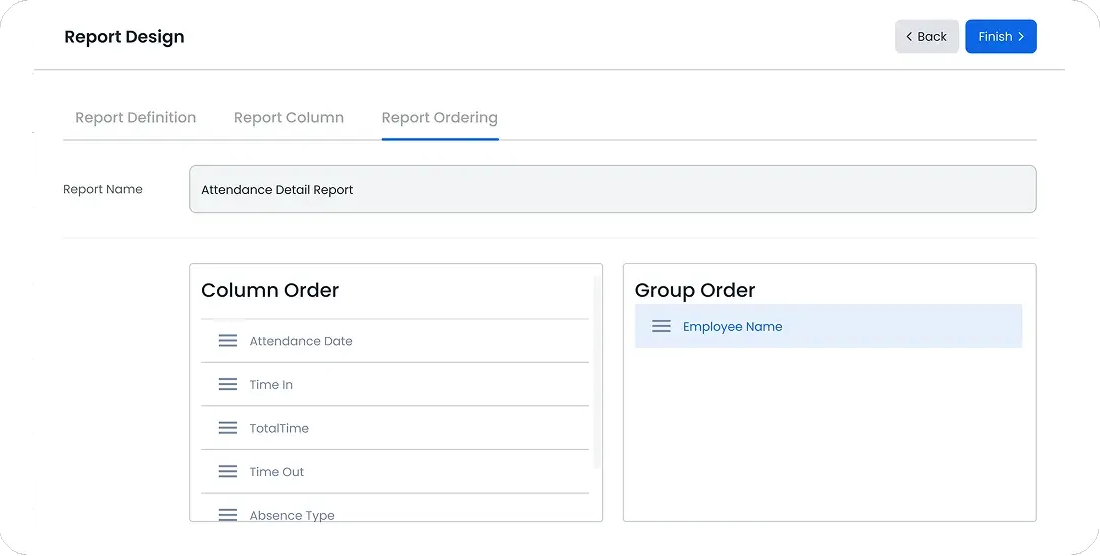
Visualize
Choose how different datasets appear in your reports for quick analysis and better decision making.
FAQ
Frequently Asked Questions
Find your answers to these frequently asked questions
What is the Users feature in ProjecTime?
The Users feature allows administrators to create, manage, and organize employees, managers, and administrators within ProjecTime.
|
Can I assign different roles to users?
Yes. ProjecTime supports role-based access, allowing you to define permissions based on responsibilities such as employee, manager, or administrator.
|
How does user management support reporting?
Each user’s time, attendance, and activity data is tracked individually, enabling accurate user-level, team-level, and organization-wide reports.
|
Can users belong to multiple teams or projects?
Yes. Users can be assigned to multiple projects, departments, or cost centers based on how your organization operates.
|
Are user changes tracked for accountability?
Yes. Updates to user settings and access are recorded, supporting audit requirements and internal accountability.
|
Can I control what data each user can view?
Yes. Role-based permissions ensure users only see data relevant to their role, protecting sensitive information.
|
Is user management suitable for growing teams?
Yes. ProjecTime is designed to scale, allowing you to add users, adjust roles, and reorganize teams as your workforce grows.
|
Does user data integrate with reports and payroll?
Yes. User records connect directly to timesheets, attendance, and payroll-ready reports for accurate processing.
|