
Define Break Types That Align with Your Work Policies
Configure break types that reflect how teams take breaks while supporting accurate time and payroll tracking.
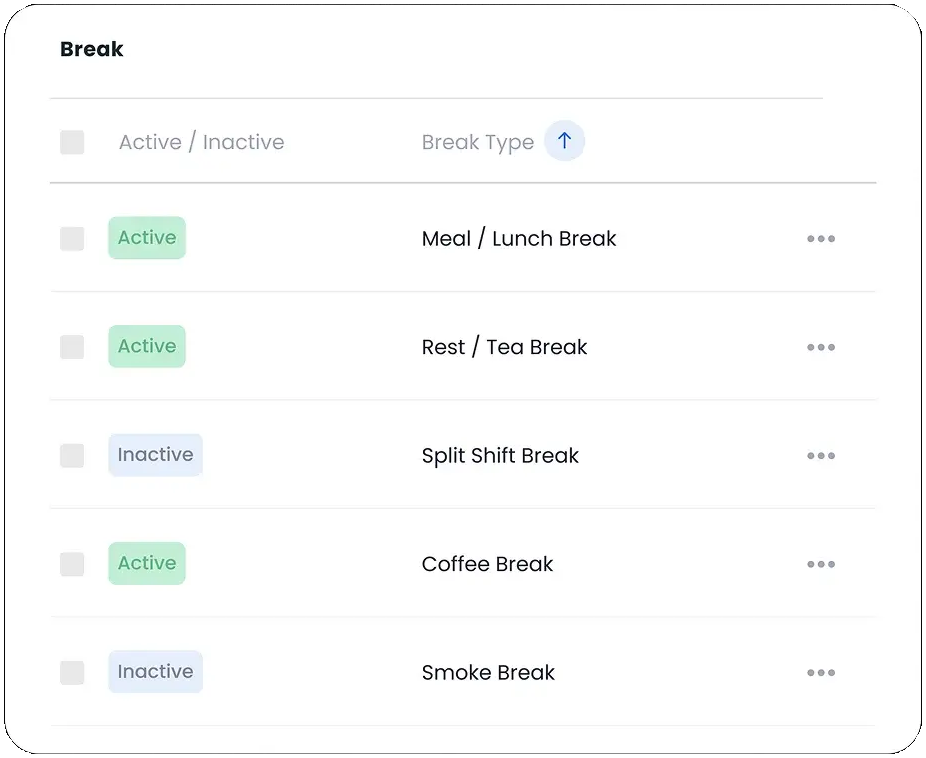
Break Types Defined
Set up different types of breaks to structure employee shift schedules effectively.
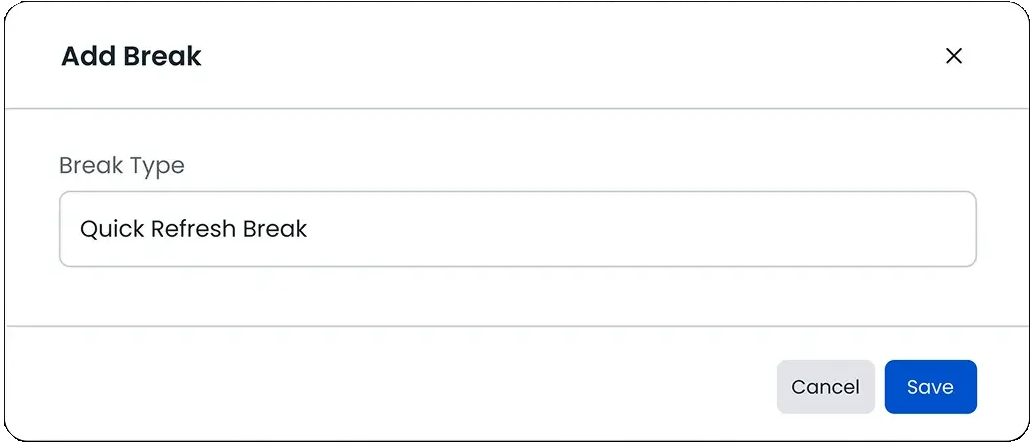
Create New Break
Add custom break types to match your organization’s work patterns and policies.
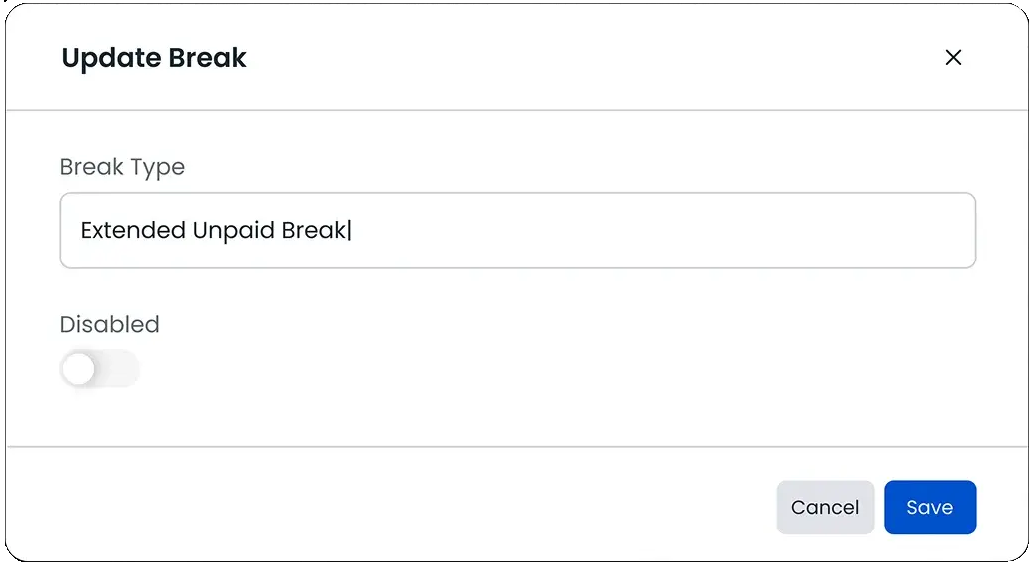
Edit or Manage Breaks
Update, activate, or disable existing break types to keep schedules accurate and up to date.
FAQ
Frequently Asked Questions
Find your answers to these frequently asked questions
What are break types in ProjecTime?
Break types define how different rest periods-such as meal breaks or short breaks-are recorded during the workday. They help organizations structure break tracking consistently across teams and shifts.
|
Can I configure paid and unpaid break types?
Yes. ProjecTime allows you to define both paid and unpaid break types so that work hours, break time, and payroll calculations remain accurate.
|
Are break types applied across all shifts?
Break types can be applied across shifts, roles, or locations based on your workforce setup. This ensures consistent break tracking regardless of schedule differences.
|
Do break types affect timesheets and payroll?
Yes. Break types are reflected in timesheets and reports, ensuring total work hours are calculated correctly and aligned with payroll rules.
|
Can managers control which break types employees can use?
Yes. Break types can be assigned based on role or policy, allowing managers to control availability and ensure consistent use across teams.
|
Are break changes recorded for reporting?
All break activity is recorded and included in reports, giving managers visibility into break usage patterns and compliance.
|
Can break types support compliance requirements?
Yes. Structured break tracking helps organizations support labor regulations by accurately recording rest periods and work hours.
|
Is break tracking available for mobile and field teams?
Yes. Break types work with ProjecTime’s web and mobile tracking options, allowing teams to record breaks from any work location.
|